Remote patient monitoring
4G cellular RPM devices for medical practices
Patient Diagnostics is a physician-owned supplier of 4G cellular blood pressure monitors, weight scales, pulse oximeters and glucometers for medical practices. Compare what each device measures, then ask for model options, coverage and compatibility information for your practice.
Compare device categories
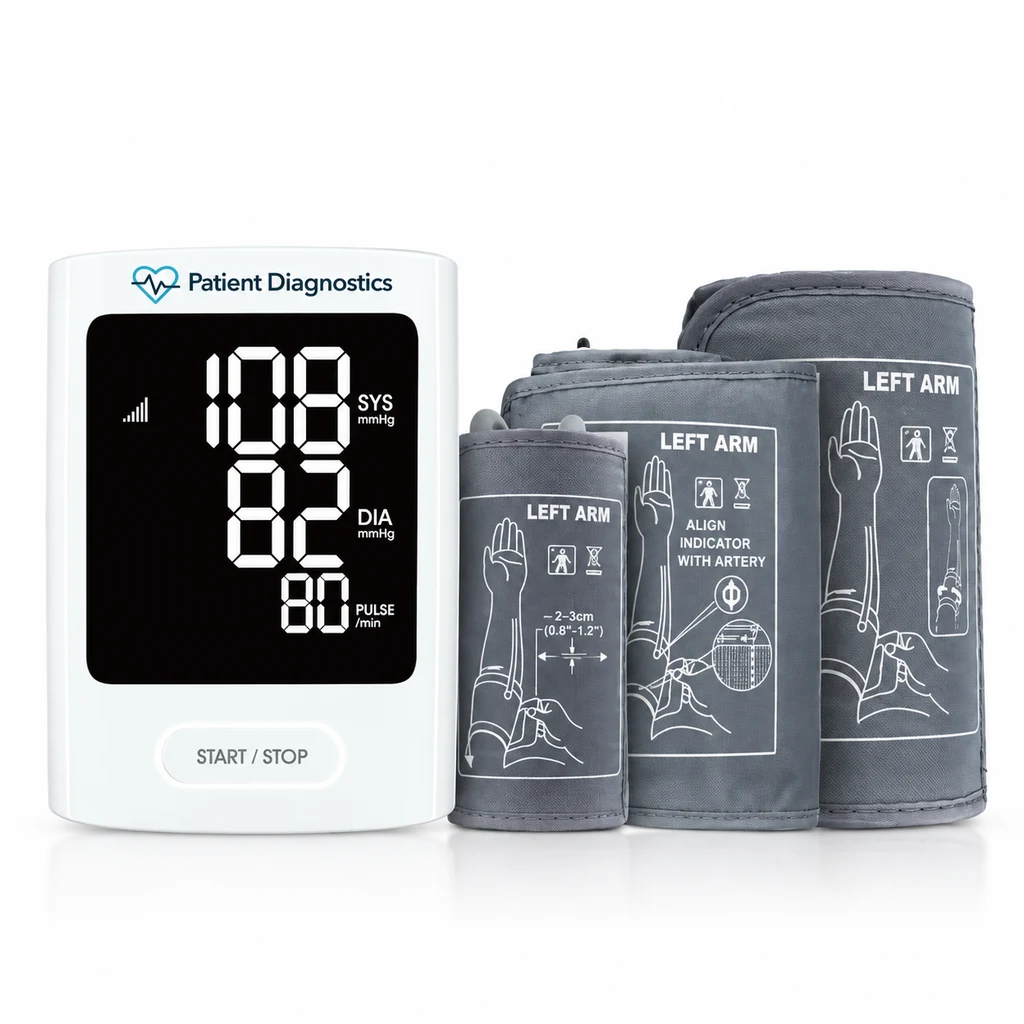
4G blood pressure monitor
Measures systolic and diastolic blood pressure and pulse. Ask about cuff sizes, the compatible arm circumference range and the readings your system receives.
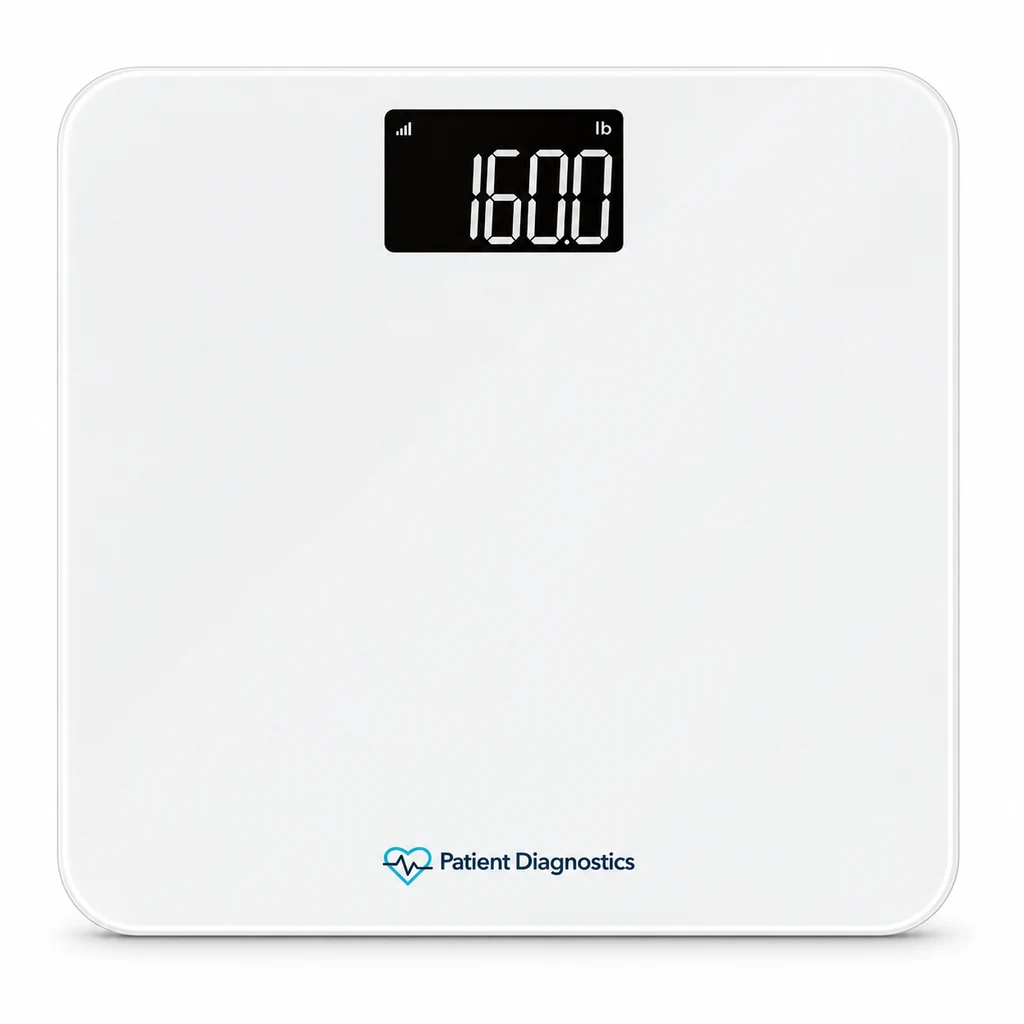
4G weight scale
Measures weight for a care plan that tracks changes over time. Ask about capacity, supported units and setup instructions.
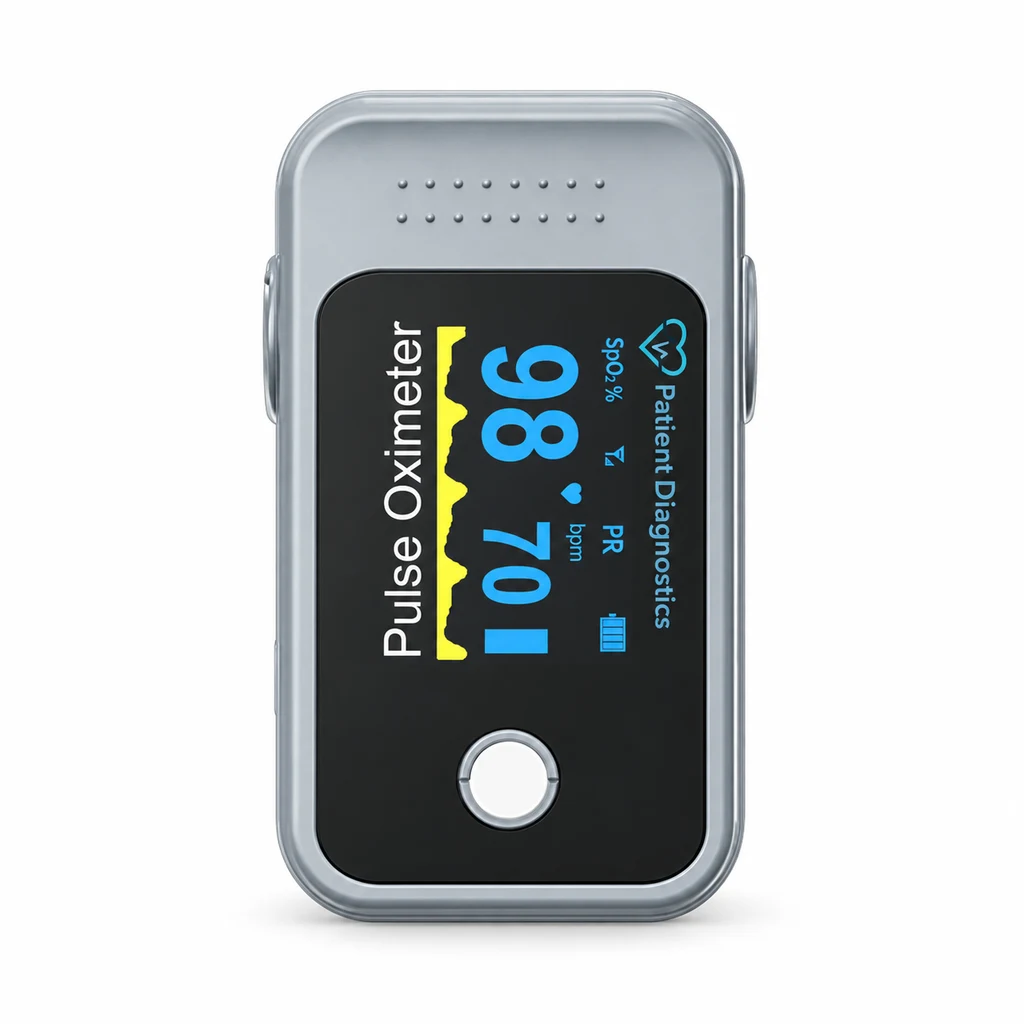
4G pulse oximeter
Measures oxygen saturation and pulse. Confirm that your monitoring platform displays these as separate values and ask for the model’s instructions and limitations.
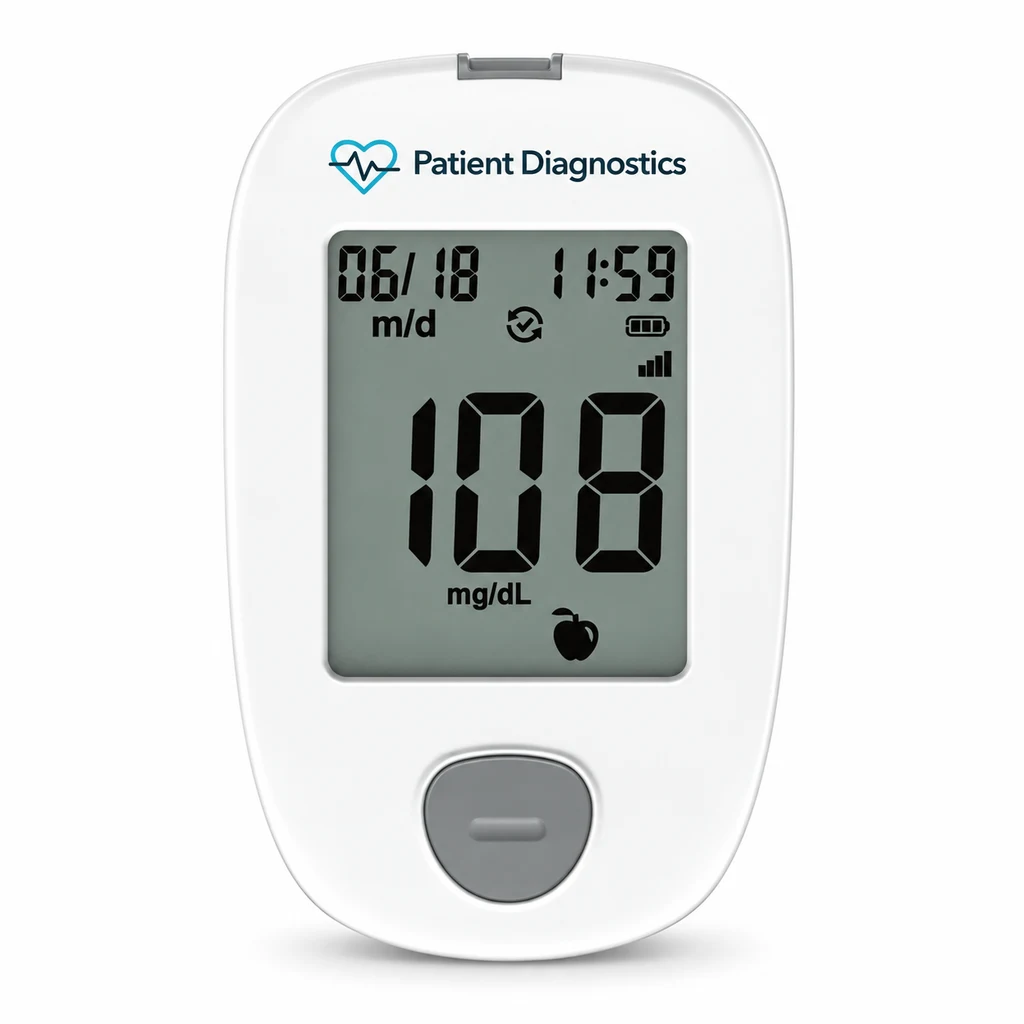
4G glucometer
Measures blood glucose. Ask which test strips, lancets and control solution the model uses and how the practice or patient can reorder supplies.
Photos illustrate device categories. Confirm the exact model and configuration on your quote.
Device specifications by configuration
These are documented examples for selected cellular configurations. Verify the specifications, accessories and connectivity of the exact unit on your quote.
- Upper-arm blood pressure monitor
- Measures systolic and diastolic pressure in mmHg and pulse in beats per minute. One documented configuration supports a built-in cellular SIM and regular 22–42 cm or extra-large 40–52 cm cuffs. Confirm which cuff is included.
- Digital weight scale
- One documented configuration supports up to 440 lb (200 kg), displays weight in 0.2 lb or 0.1 kg increments, and uses four AA batteries. Set it on a hard, level surface and confirm the display unit before checking the first transmission.
- Fingertip pulse oximeter
- The documented cellular configuration measures oxygen saturation (SpO₂, in percent) and pulse (in beats per minute). Follow the supplied instructions for placement and verify that the monitoring software receives both values.
- Blood glucose meter
- The documented cellular configuration uses model-specific test strips. Confirm the strip type, starter supplies and replenishment options. Follow the supplied meter and strip instructions when setting up the first test.
Cellular device setup for a practice
- Confirm what ships. Verify the device configuration, included accessories, power source and cellular coverage where the device will be used.
- Assign the device. Use your monitoring platform’s setup process to link the device identifier to the intended record. Confirm whether the configuration uses built-in cellular service or a separate gateway.
- Verify an end-to-end test. Follow the supplied device instructions and your practice’s test procedure. Confirm that the reading arrived under the intended test record, with the expected values, units and timestamp.
- Prepare the handoff. Give the user the instructions for the exact unit and tell them who to contact if readings appear on the device but do not reach the monitoring platform.
What to confirm before ordering
- Connectivity and coverage. Ask whether the quoted model connects directly to cellular service or requires a separate gateway, what setup is needed at home, and how to verify coverage where patients will use it.
- Data and EHR compatibility. Confirm which readings and units are transmitted, how devices are linked to patient records, and where readings appear in your current monitoring platform. The eClinicalWorks integration is in development. Confirm availability before planning a rollout.
- Model documentation. Request the exact model number, specification sheet, user instructions, applicable FDA clearance information and data-security documentation before purchase.
- Fulfillment and total cost. Ask about practice inventory and patient delivery options, connectivity charges, consumables, shipping and replacement terms for your order.
Questions medical practices ask
Is Wi-Fi or a smartphone required?
Setup depends on the selected model and connectivity configuration. Ask which equipment is included, whether additional equipment is needed, and how the device sends a reading.
How do we choose devices for a pilot?
Start with the measurements your care team plans to review and confirm coverage, fit and supplies. Before enrolling patients, verify sample readings from each selected device in your intended system and confirm who handles setup and troubleshooting.
How much do the devices cost?
Request a quote with your device types, quantity and delivery needs. Ask for itemized hardware, shipping, connectivity and any recurring charges so you can compare total costs.
Request a practice quote
RPM program planning calculator · Physician-led practice consulting · Privacy policy
 Request a quote